
If you have arrived on this page, you are probably looking for straight-talking, no-fluff answers about which website estimate calculator could work for your trade business. You may already have spent far too long searching, comparing features and wondering which option is actually best for your website. Many business owners face the same problem, and clear comparisons are surprisingly difficult to find. That is why we have put together this comparison of 20 website estimate calculator platforms for 2026.
An online estimate calculator can give potential customers a useful starting price before they contact you. The difficult part is choosing between a subscription platform and a calculator built specifically for your website. Thankfully, that is where this guide can help.
We compared 20 options, from dedicated calculator builders to general form tools with calculation features. There is no single winner for every business. The right choice depends on how complex your estimates are, how much traffic your trade website receives and whether you want the calculator to look and feel like a natural part of your website.
We have included our own service where it is relevant, but the aim is to give you enough practical information to make an informed choice. Now, let's get down to business.
Last updated: 19 September 2026
The quick answer
For a simple calculator that you are happy to build yourself, tools such as CALCONIC, uCalc, Tally and Fillout can be inexpensive places to start.
If the calculator is intended to generate and qualify enquiries, ConvertCalculator, Outgrow, involve.me and LeadDoubler offer more marketing features. They can also become considerably more expensive once you need higher usage limits, integrations or the removal of their branding.
There is another option if you also need a professionally managed website. Toolbelt Websites includes a custom estimate or quote calculator at no additional cost with its £49 + VAT per month Starter package and every package above it. For an eligible customer, that can remove the need for a separate calculator subscription altogether and take away the stress of building it yourself.
How we compared the platforms
We reviewed the providers' own product and pricing information on 19 September 2026. We looked at:
- whether the calculator can be added to an existing website;
- the lowest useful plan, not simply the cheapest advertised plan;
- limits on views, responses, forms or calculators;
- whether provider branding can be removed;
- lead collection, payments and integrations; and
- how suitable the tool appears for a small or medium-sized UK business.
Prices below are shown in the currency used by each provider and normally exclude VAT or other taxes. Where a monthly figure requires annual billing, we say so. Prices and features can change, so check the provider's current terms before buying.
We have no affiliate relationship with any company in this comparison and have not accepted payment for inclusion. The list is grouped by type rather than ranked from best to worst.
For transparency, Toolbelt Websites offers custom estimate and quote calculators as part of its own website service. These are included at no additional cost on the £49 + VAT per month Starter package and higher packages. We explain where that option may offer better value later in the guide.
Website estimate calculator comparison
| Provider | Type | Published starting point | Likely to suit | Points to check |
|---|---|---|---|---|
| ActiveCalculator | Calculator builder | Free; Pro from $19 a month, billed annually | Straightforward branded calculators and lead capture | The free plan is limited to 100 impressions |
| ConvertCalculator | Calculator builder | Free; Pro from $40 a month, billed annually | Quote calculators, payments and integrations | The $20 Hobby plan does not collect submissions |
| CALCONIC | Calculator builder | Free; paid plans from $6 a month, billed quarterly | Simple, lower-cost embedded calculators | Plans limit calculator impressions |
| Calculoid | Calculator builder | Free; lead-generation plan from $19 a month | Lead capture and payment calculators | Lower plans limit views and private calculators |
| uCalc | Calculator builder | From $7.20 a month | Small businesses wanting a low entry price | Check whether the chosen plan covers every field and integration required |
| Outgrow | Interactive content platform | From $22 monthly, or $14 a month billed annually | Marketing campaigns, calculators, quizzes and recommendations | Removing branding and increasing limits can require a much dearer plan |
| involve.me | Interactive form and funnel builder | Free; Start from $29 a month billed annually | Multi-step quote journeys and lead generation | Removing branding begins on the Grow plan, from $69 a month annually |
| LeadDoubler | Lead calculator platform | From $239 a month | Businesses with valuable leads and established marketing campaigns | A much higher starting price than most DIY tools |
| Shout | Survey, form and calculator builder | Calculators from £25 a month, billed annually | UK businesses wanting GBP pricing and several tools in one account | The entry-level free plan does not include calculators |
| GetSiteLeads | Website widget builder | Calculators on Pro from $48 a month, billed annually | Businesses wanting calculators alongside other website widgets | Calculator access requires the Pro plan |
| Jotform | General form builder | Free plan; paid pricing varies by region and billing choice | Forms, order totals and quote requests in one platform | A general form tool can take more work to feel like a dedicated calculator |
| Paperform | Form builder | Calculations from $24 a month, billed annually | Attractive forms, bookings, payments and calculations | Calculations are not included on the free plan |
| Typeform | Conversational form builder | Basic from $39 monthly, or $28 a month billed annually | Polished, question-by-question estimate journeys | Response limits can make costs rise as usage grows |
| Cognito Forms | Form builder | Free; Pro $24 monthly or about $19 a month annually | Forms with calculations, payments and more involved rules | Branding and capacity vary by plan |
| Formaloo | Form and app builder | Free; Pro from $19 a month | Calculations, workflows and simple customer portals | Branding removal and custom domains require higher plans |
| Fillout | Form builder | Free; Starter from $15 a month, billed annually | Modern forms with calculations and generous free usage | Removing branding requires the Pro plan, from $40 a month annually |
| Tally | Form builder | Free; Pro $24 a month | Simple calculations and forms on a tight budget | It is not a specialist quotation platform |
| forms.app | Form builder | Free; Basic $29 monthly or $19 a month annually | Scored forms, product selections and simple totals | Better suited to lighter calculations than a complex estimate engine |
| Zoho Forms | Form builder | Free plan; paid pricing varies by region | Existing Zoho users and formula-based forms | Formula-field allowances and other limits vary by plan |
| 123FormBuilder | Form builder | Free plan; check current paid plans | Quote forms with built-in calculations and integrations | The free plan has tight field and rule limits |
Dedicated calculator platforms
These services are designed primarily for calculators, quotations or interactive lead-generation tools. They usually provide more control over formulas and results than a standard contact form.
ActiveCalculator
ActiveCalculator offers a visual builder, templates, lead collection and website embedding. Its free account is useful for testing, although the allowance of 100 impressions will be too low for many live business websites.
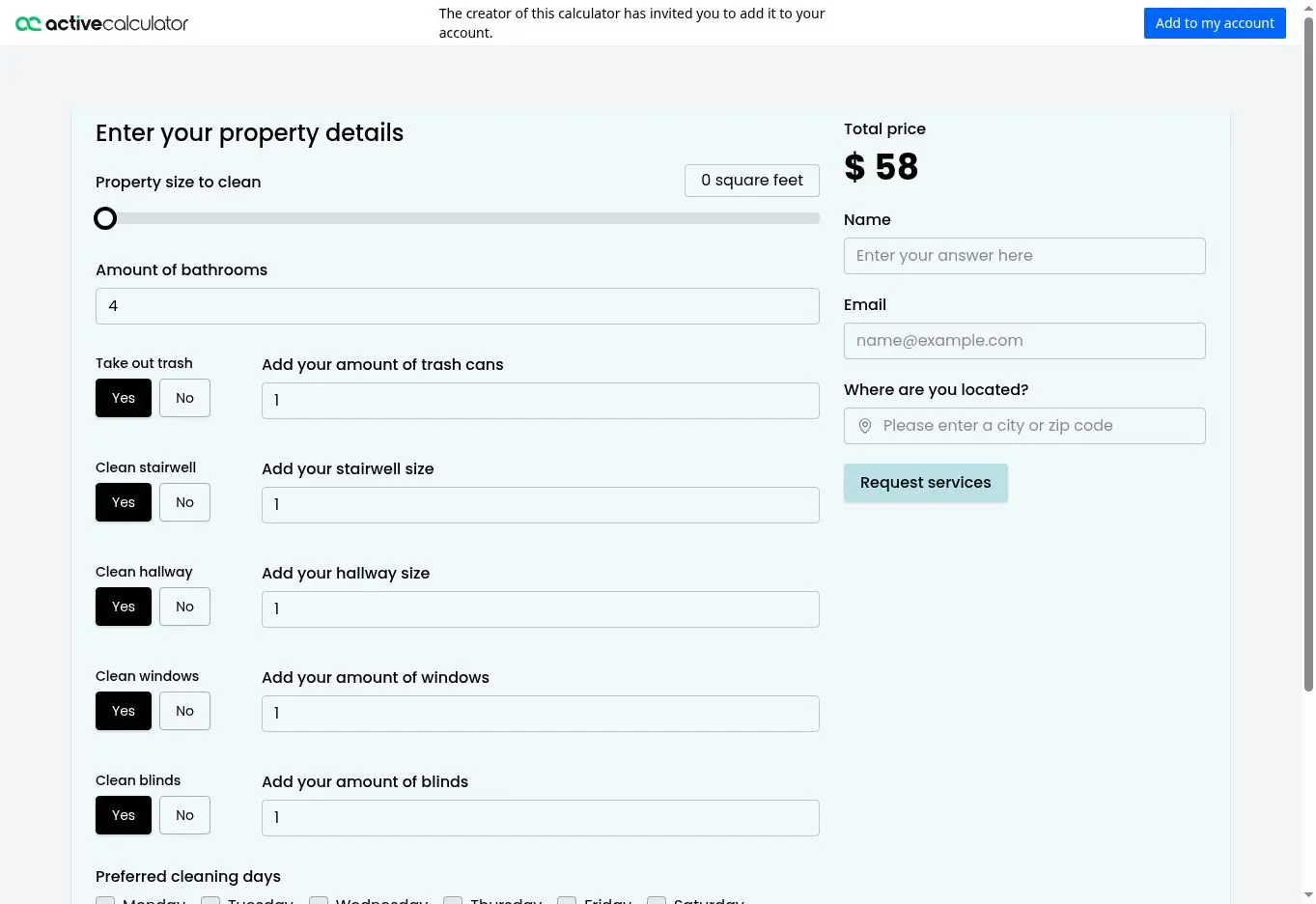
The Pro plan is more practical for ongoing use because it removes branding and includes unlimited impressions, submissions and calculators. At $19 a month when billed annually, it sits towards the affordable end of the dedicated tools in this comparison.
ConvertCalculator
ConvertCalculator is aimed at businesses that want to turn a calculation into an enquiry, quotation or payment. It supports more involved pricing rules and integrations, and it can be embedded into an existing website.
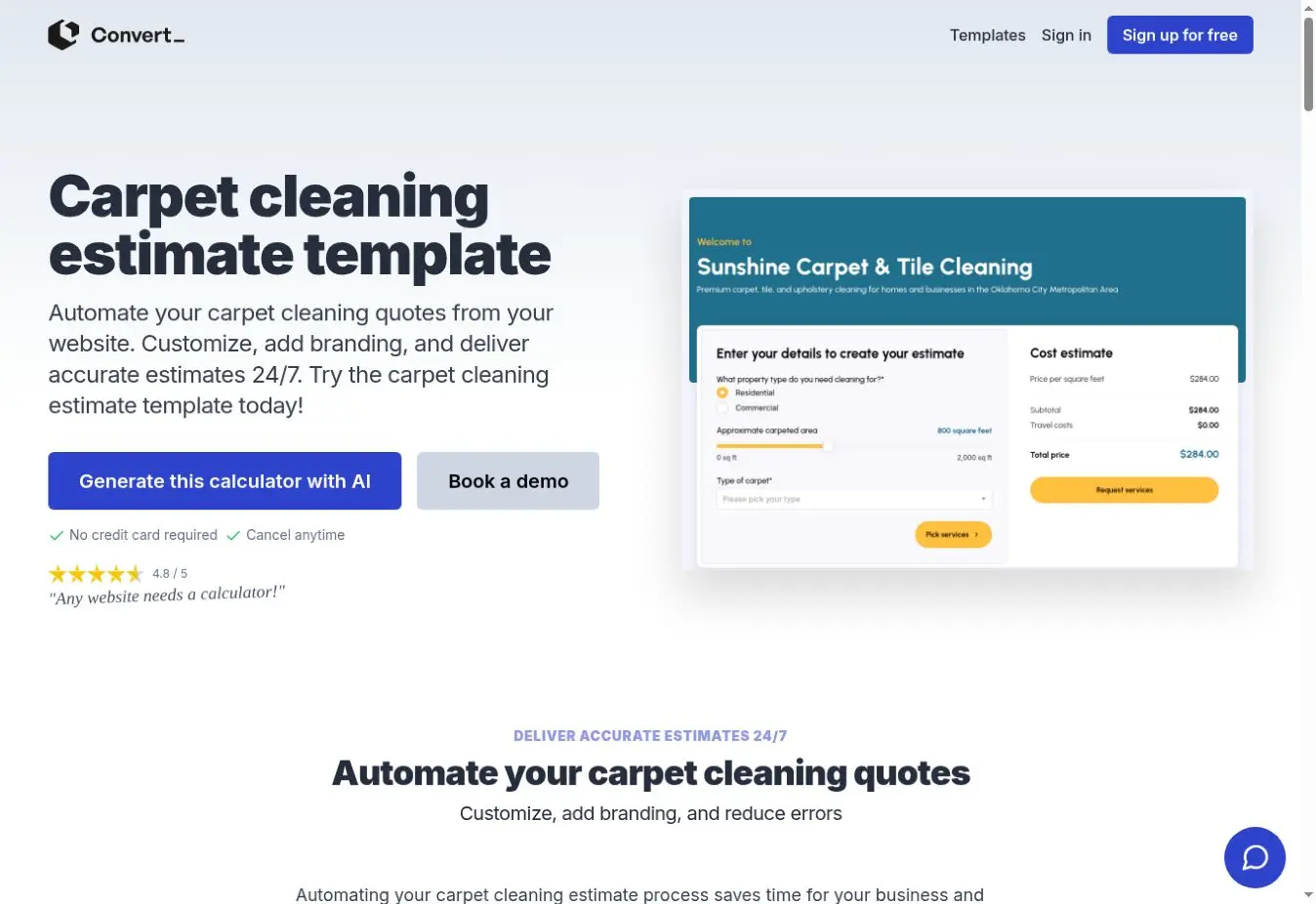
Pay close attention to the plan differences. The $20-a-month Hobby plan allows more visits but does not collect submissions. Businesses wanting customer details, payments and integrations are more likely to need Pro at $40 a month when billed annually. The company also advertises a calculator-building service from $250 in addition to the platform subscription.
CALCONIC
CALCONIC is one of the less expensive dedicated options. Its Light plan starts at $6 a month when billed quarterly, while the free plan provides five active calculators and 500 impressions a month.
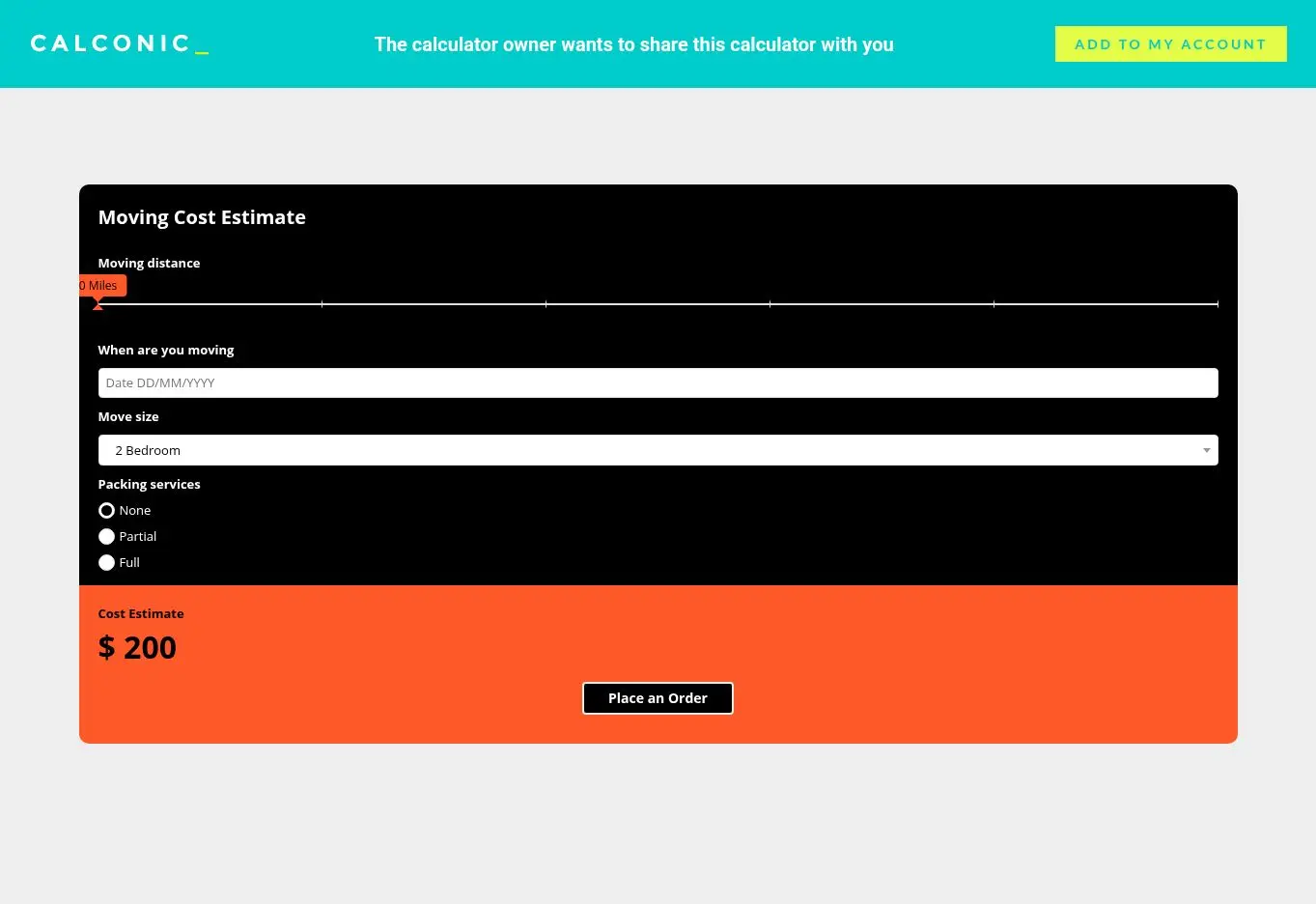
It could be a sensible choice for a simple calculator with predictable traffic. The main issue to watch is the impression allowance: a calculator loaded by a visitor can count towards the monthly limit even when that person does not complete it.
Calculoid
Calculoid combines calculator fields with lead collection, payments and multi-page layouts. Its free plan is suitable for experimenting, while the $19-a-month lead-generation plan includes two private calculators and 2,000 monthly views.
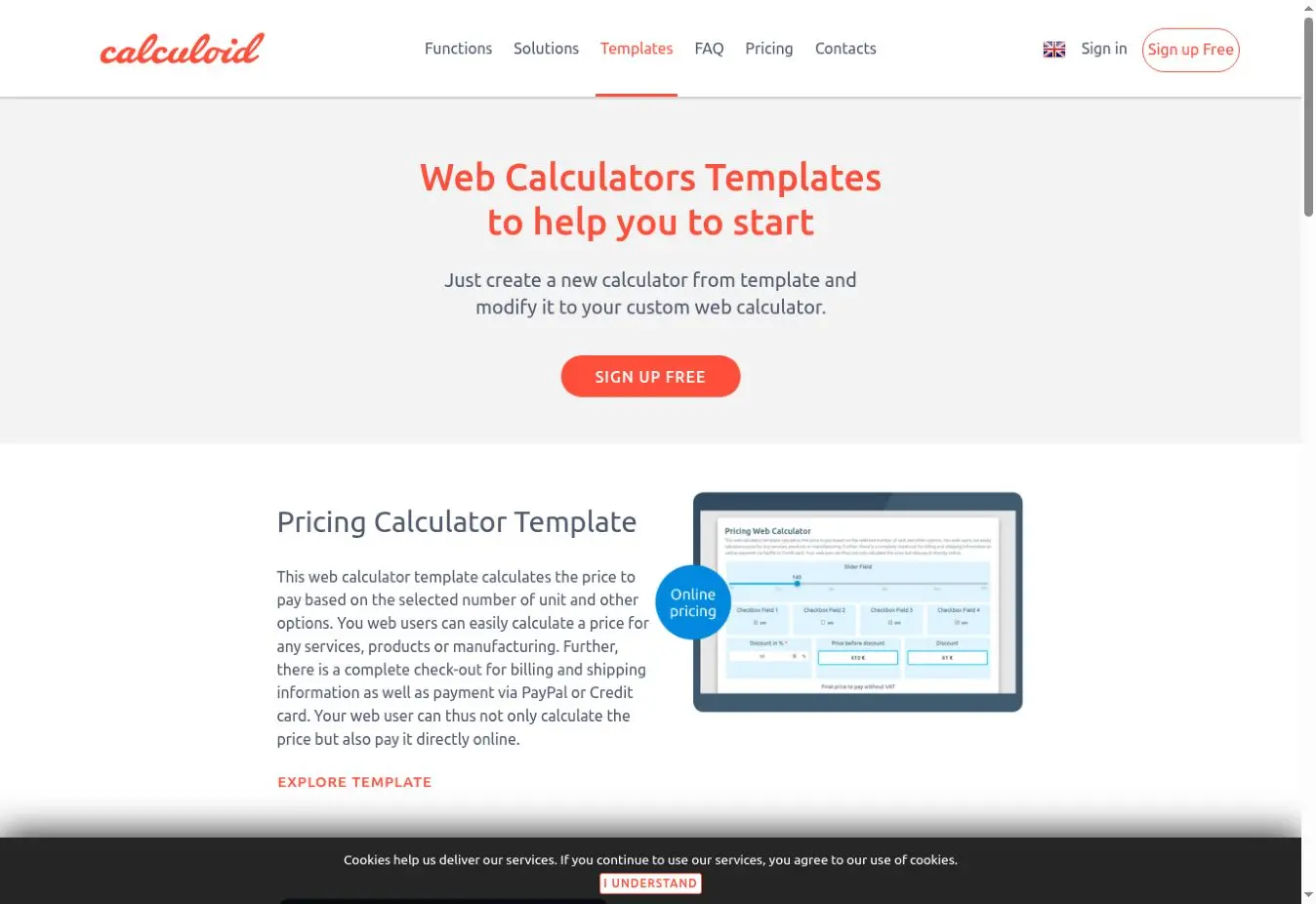
Businesses with more traffic or ecommerce requirements may need the $39 plan or an agency package. As with CALCONIC, checking how views are counted is important.
uCalc
uCalc has a comparatively low advertised starting price, with paid plans from $7.20 a month. It provides templates and a visual builder, and the company also offers a service for customers who want it to create the calculator for them.
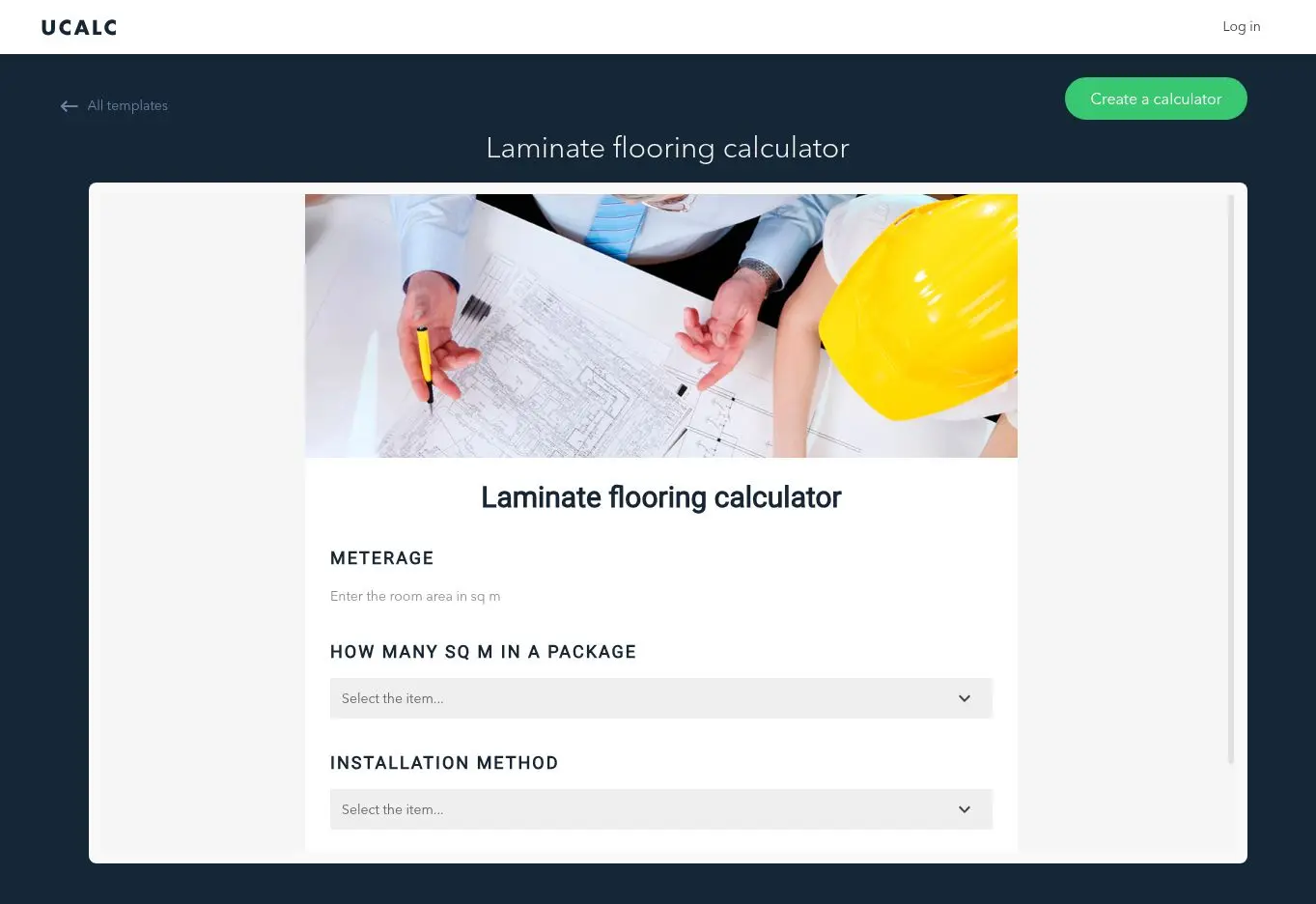
It is worth listing every field, pricing rule and connection you require before selecting a plan. A low starting price is only useful if it includes the features needed for the finished calculator.
Outgrow
Outgrow is broader than a calculator builder. It can also create quizzes, recommendations, surveys and other interactive marketing content. This makes it potentially useful for a business running several campaigns rather than one permanent website calculator.
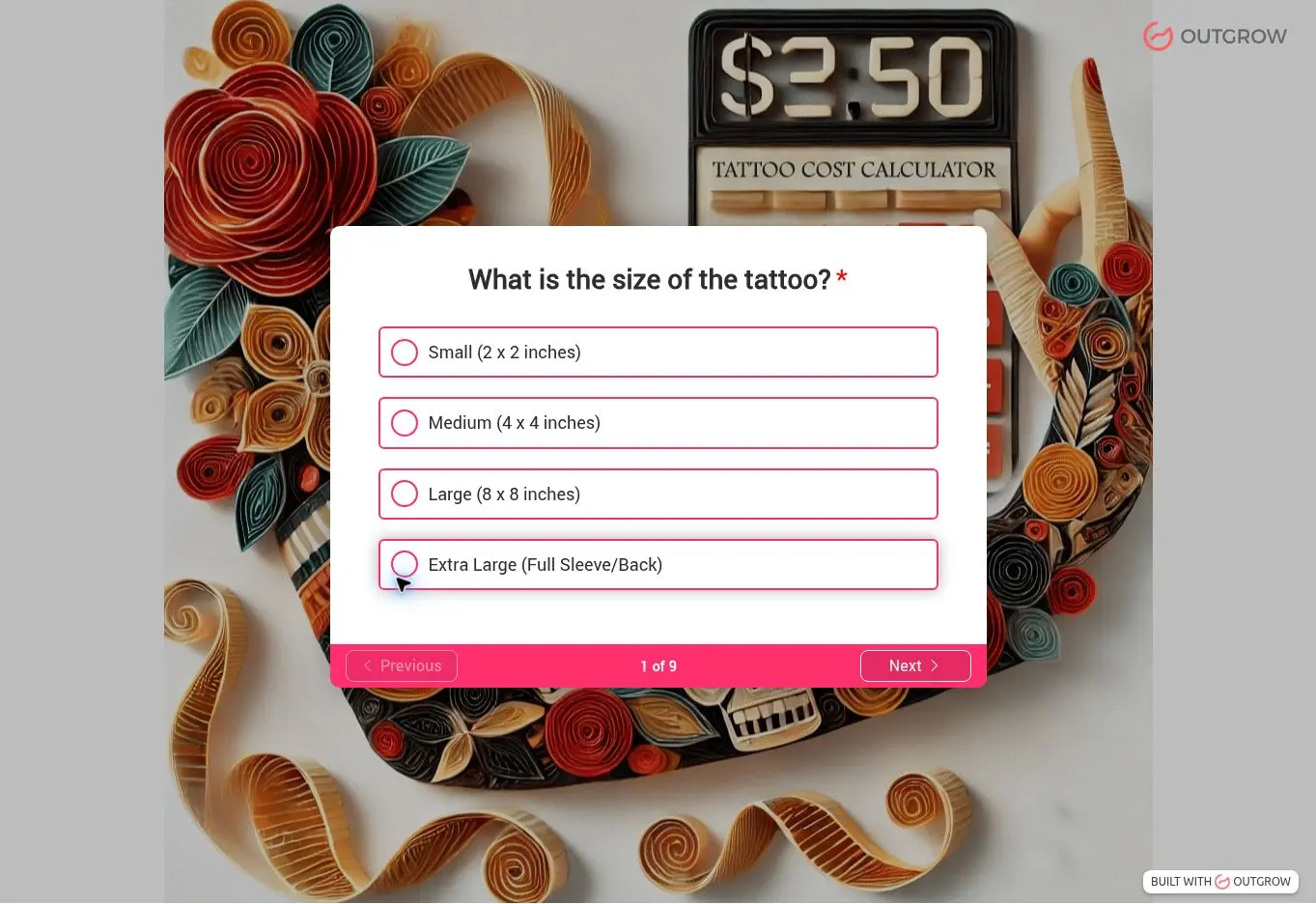
Its lower plans are relatively accessible, but allowances and branding rules differ considerably between tiers. A business that needs high traffic, several team members or a fully unbranded experience could face a much larger monthly bill.
involve.me
involve.me creates multi-step forms, calculators, surveys and sales funnels. It is well suited to guided quotations where different answers lead customers down different routes.
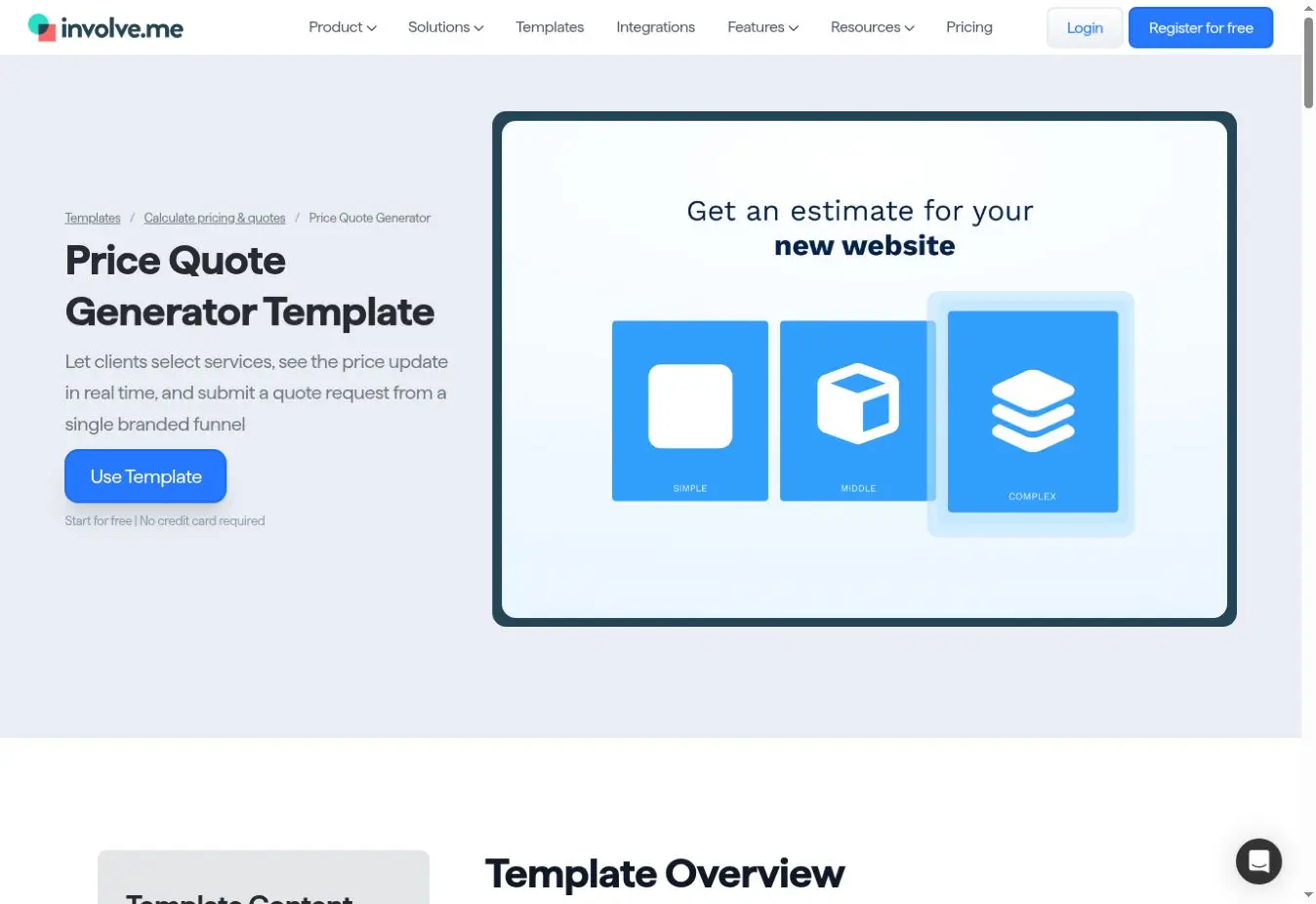
The Start plan costs $29 a month when billed annually. Businesses wanting to remove involve.me branding need the Grow plan, advertised from $69 a month with annual billing. This is a good example of why the cheapest plan should not be compared with the finished result you actually want.
LeadDoubler
LeadDoubler focuses on calculators designed to collect sales leads. Its plans include embedded calculators and custom-domain options, but the entry price of $239 a month puts it in a different category from the lower-cost DIY builders.

That price may make sense where each qualified lead is valuable and the calculator supports a proven campaign. It is difficult to justify for a small business that simply wants to add an indicative cost guide to its website.
Shout
Shout, from FreeOnlineSurveys, bundles calculators with forms, surveys and quizzes. Calculator access begins on Shout Plus at £25 a month when paid annually, with three calculators included. The Business plan is £59 a month annually and includes unlimited calculators.

GBP pricing makes its cost easier for UK businesses to understand. It may also appeal to a team that can use its other survey and form tools, rather than paying only for a calculator.
GetSiteLeads
GetSiteLeads supplies website widgets including forms, quizzes and calculators. Calculators are included on its Pro plan, shown at $48 a month when billed annually, for use across up to five websites.
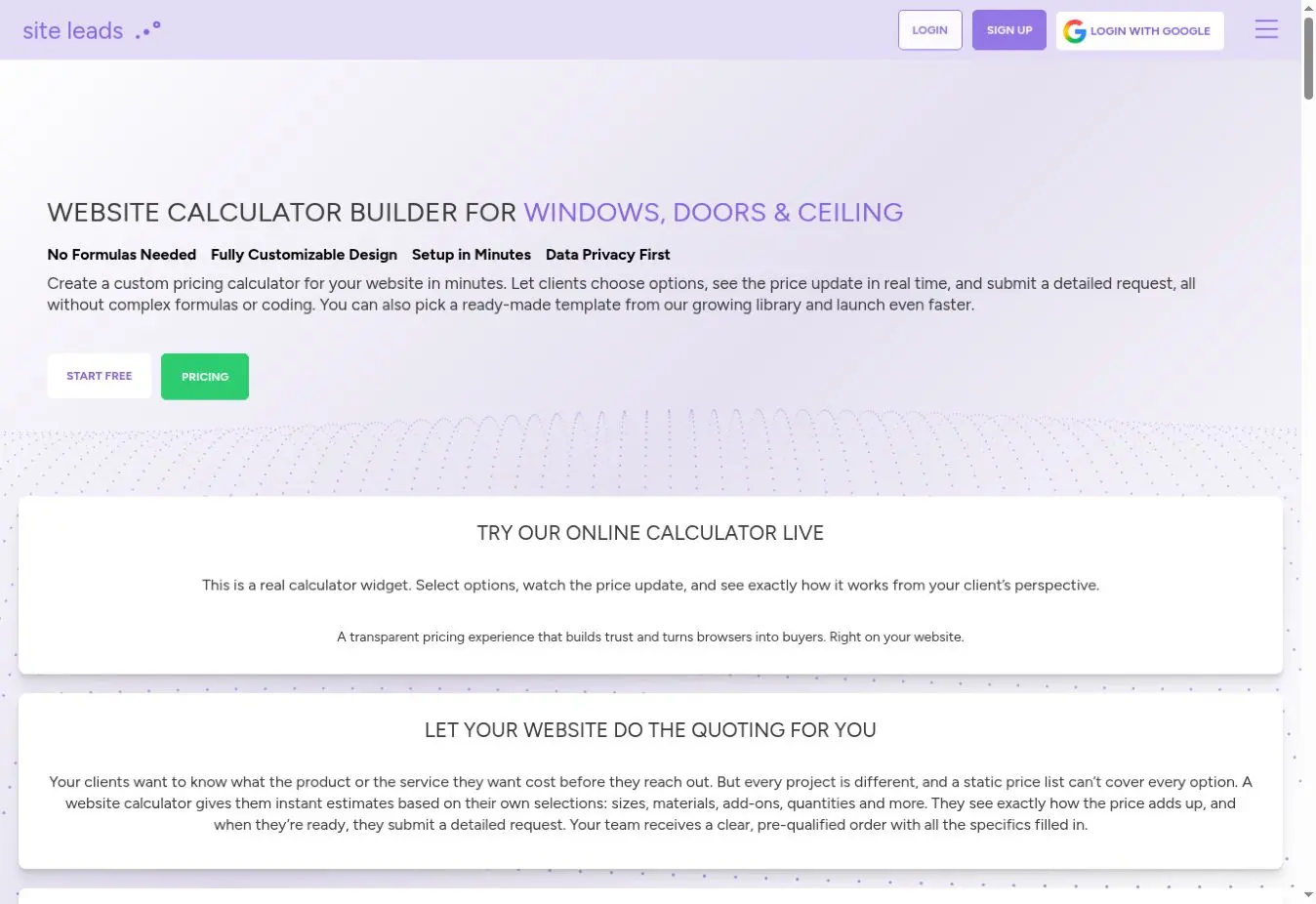
The package could offer reasonable value if several of its widget types are useful to you. It is less compelling if you need only one simple calculator.
Form builders with calculation features
A general form builder can be enough when an estimate is based on a few selections, quantities or scores. These tools often include useful form, payment and automation features, although creating a polished quotation experience may take more effort.
Jotform
Jotform has a large selection of templates and widgets, including calculation fields and order forms. The free plan is useful for testing, and paid accounts increase limits and remove Jotform branding.
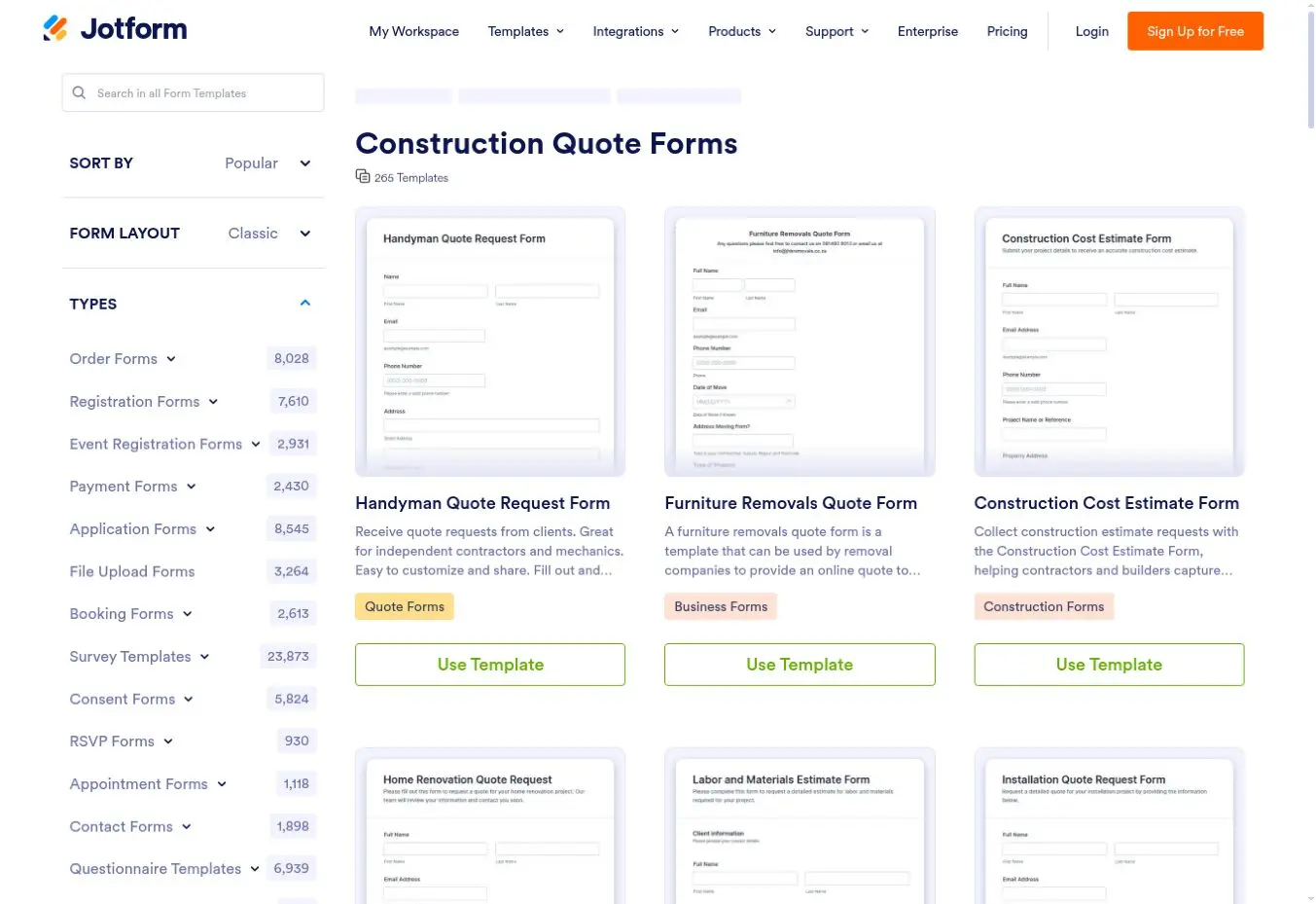
It is a practical all-rounder if the business also needs registration forms, payment forms or document generation. Check the price displayed for your region and the submission allowance required before committing.
Paperform
Paperform combines forms, calculations, bookings and payments in a flexible page-style editor. Calculation fields begin on Essentials, advertised at $24 a month with annual billing or $29 on a monthly basis.

Its forms can look more like simple landing pages than traditional forms. Removing the remaining Paperform branding requires the Pro plan, so include that in the cost comparison if a fully branded result matters.
Typeform
Typeform is known for showing one question at a time. That format can make a longer quotation process feel less daunting, particularly when conditional logic hides irrelevant questions.

The Basic plan is advertised at $39 month-to-month or $28 a month when billed annually. Its response limits deserve attention, especially if the calculator will be used by many visitors or across several marketing campaigns.
Cognito Forms
Cognito Forms supports calculated fields, conditional sections, payments and document generation. There is a free Individual plan, while Pro is advertised at $24 a month or roughly $19 a month with annual billing.
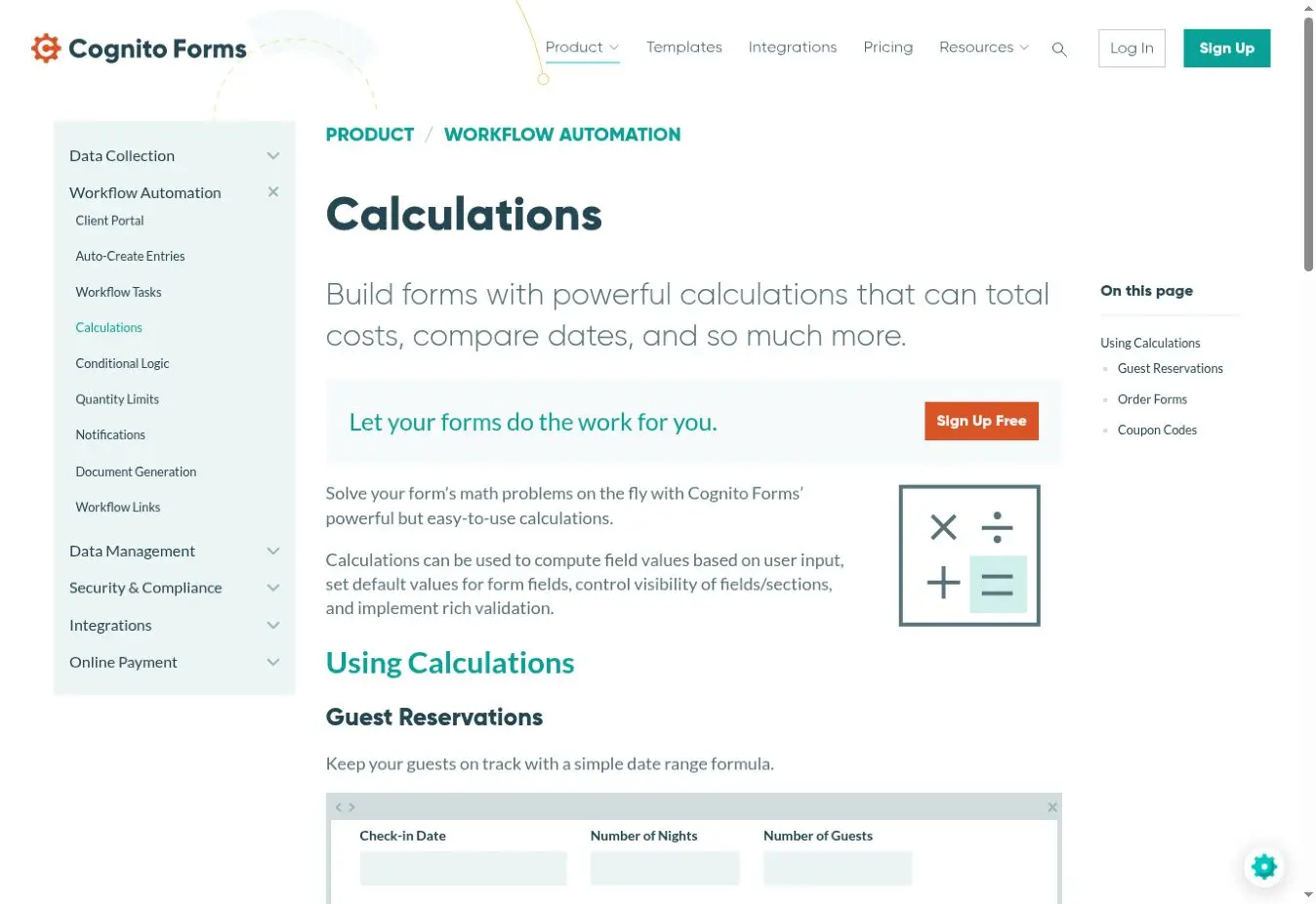
It can handle more involved business forms without the price of a specialist marketing platform. The trade-off is that you are designing a calculation within a form builder, rather than starting with a tool devoted to customer estimates.
Formaloo
Formaloo includes variables and calculations on its free plan, alongside forms and basic app-building features. Paid plans add more workflows, integrations and presentation options, with Pro shown from $19 a month.
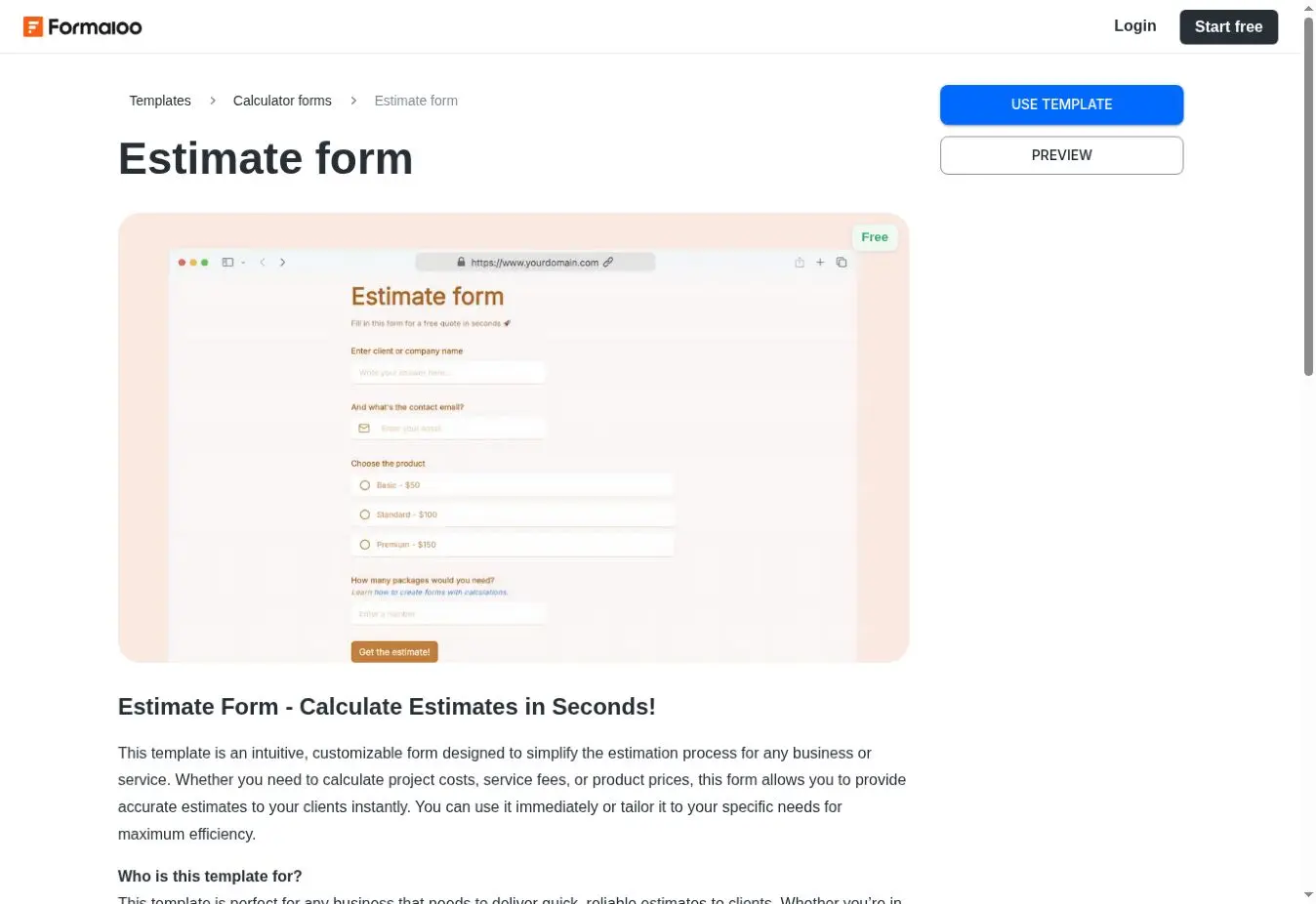
It is worth considering if the estimate is part of a wider process, such as collecting information and moving it into a simple customer portal. A higher plan is needed for custom domains and removing Formaloo branding.
Fillout
Fillout's free plan includes calculations, scoring, website embedding and up to 1,000 responses. Its Starter plan is shown from $15 a month with annual billing, making it one of the more generous options for testing an idea.
Businesses wanting to remove Fillout branding or use custom styling will need Pro, advertised from $40 a month annually. As always, compare the plan for the finished branded version rather than the attractive free allowance alone.
Tally
Tally includes conditional logic and calculated fields on its free plan, with generous use subject to its fair-use policy. Pro costs $24 a month and adds features such as branding removal and custom domains.
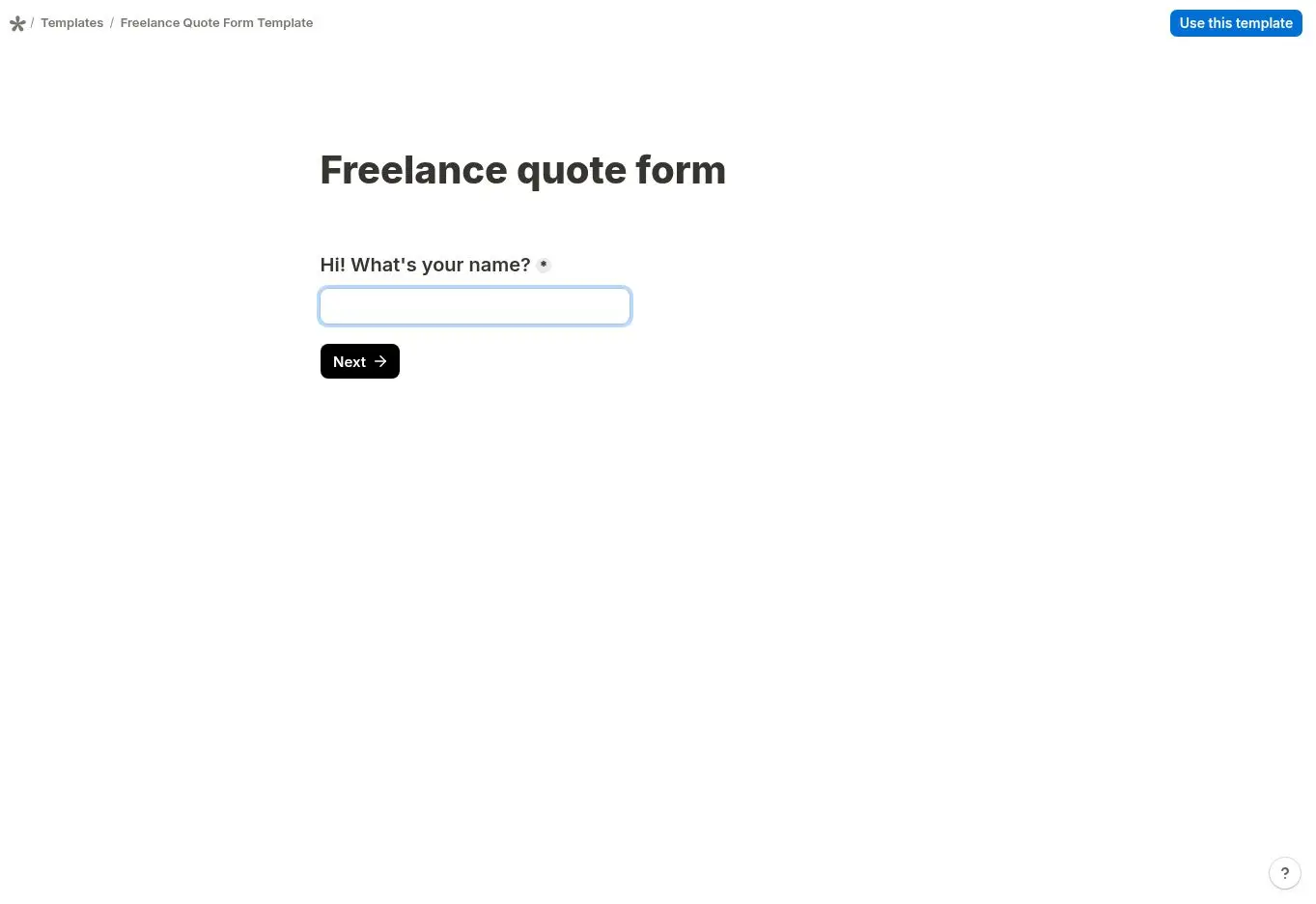
It is a strong low-cost option for straightforward totals or scores. A specialist tool or custom build will usually be more appropriate for a quotation with many linked pricing rules.
forms.app
forms.app supports conditional logic, automatic scoring and a product basket. Those features can create simple price selectors and totals, although it is not intended to replace a complex estimate engine.
The free plan can be used to test the service. Basic is advertised at $29 month-to-month or $19 a month when billed annually, with higher tiers increasing form and response limits.
Zoho Forms
Zoho Forms includes formula fields that calculate values from other answers. It is likely to be most attractive to a business already using other Zoho products, as the form can sit within a wider customer-management process.
There is a limited free plan and several paid tiers. Pricing is presented according to region, so check the UK price and the number of formula fields allowed on the plan you are considering.
123FormBuilder
123FormBuilder offers quote forms, built-in calculations, conditional rules and a range of integrations. It can be useful where the calculator is mainly a structured enquiry form with a total at the end.
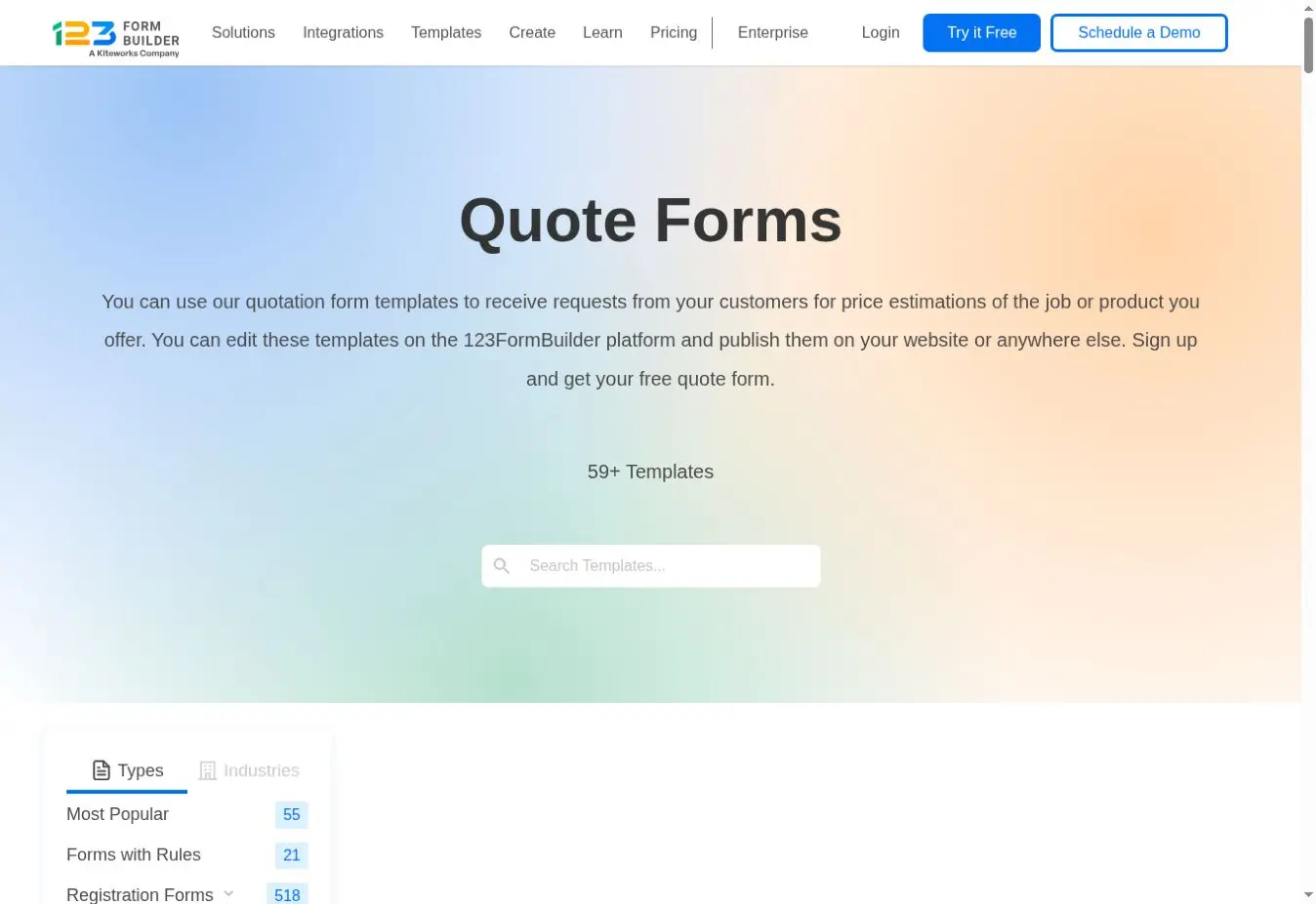
The free plan is tightly limited to one form, ten fields and no rules for newly created forms. That is unlikely to be enough for a meaningful estimate, so check the current paid-plan price for the number of fields and rules your quotation requires.
What will a monthly calculator really cost?
The headline price rarely tells the whole story. A calculator advertised as free or inexpensive may require a paid plan to collect leads, remove the provider's logo, handle your website traffic or connect to your other systems.
Use this simple calculation when comparing the options:
Likely ownership cost = setup cost + monthly subscription × number of months + any paid support or integration costs
For perspective, a $20 monthly subscription totals $720 over three years. At $40 a month, the three-year total is $1,440. A £25 monthly plan totals £900 over the same period. These figures exclude tax, price increases and any time spent building or maintaining the calculator.
For Toolbelt Websites customers on the Starter package or above, the separate calculator charge is £0. The calculator is included within the website package rather than added as another monthly software subscription.
Also consider what happens if you cancel. Because a subscription calculator is normally hosted by the provider, it may stop working on your website or lose paid features when the plan ends.
Subscription platform or an included custom calculator?
A subscription platform is often the right choice when:
- you want to test an idea with a small initial budget;
- the calculation is fairly simple;
- someone in the business is happy to build and update it;
- the provider's design fits your website; and
- its traffic and response limits leave room to grow.
A custom calculator becomes more attractive when:
- your prices depend on several connected choices;
- the calculator needs to follow your exact sales process;
- it must look like a natural part of your website;
- you want greater control over what customers see and submit; or
- the likely subscription cost over three to five years is close to the build price.
Estimate calculators can be particularly useful for plumbing and heating businesses, where customers often want a sensible indication of cost before making contact. When included as part of effective web design for plumbers, the questions and guidance should reflect the services the company genuinely provides, rather than forcing its work into a generic template.
Toolbelt Websites takes a different approach. A custom estimate or quote calculator is included at no additional cost with the £49 + VAT per month Starter package, as well as the Growth and Pro packages. It is planned around the business's services, pricing rules and website design rather than being treated as a separate software product.
The exact requirements should be agreed before the website is built, particularly if the calculator needs an unusual external integration or exceptionally complex pricing logic. For a typical service or trade estimate calculator, however, there is no separate calculator setup fee or monthly calculator subscription on a qualifying package.
Questions to ask before choosing
Does the lowest plan do what I need?
Do not assume so. Lead collection, branding removal, payment collection and integrations are often reserved for higher tiers. Sketch the finished customer journey first, then identify the least expensive plan that supports all of it.
Are views and responses counted differently?
Yes. Some providers count each time the calculator loads, while others count completed submissions. A high-traffic website could therefore reach a view limit even if relatively few visitors request a quotation.
Should a calculator give an exact quotation?
Only when the information entered is enough to price the work accurately. For many trades and service businesses, an indicative range is safer and more useful. Explain what is included, what could change the price and whether a site visit or conversation is still required.
Will a calculator guarantee more enquiries?
No. It still needs clear questions, a useful result and an obvious next step. It should also be tested on a phone, where many customers will use it. A confusing calculator can create more friction rather than less.
Our verdict
There are plenty of capable platforms, and a simple calculator does not need to be expensive. CALCONIC, uCalc, Tally and Fillout are sensible starting points for smaller budgets. ConvertCalculator, Outgrow and involve.me offer more for businesses treating the calculator as a marketing tool, while LeadDoubler sits at the higher end of the market.
Before subscribing, compare the correct paid tier over at least three years. A standalone platform can be perfectly sensible if you already have a good website and want to build the calculator yourself.
If you need a new or professionally managed website as well, the comparison changes. Toolbelt Websites includes a custom estimate or quote calculator at no additional cost on its £49 + VAT per month Starter package and every higher package. You receive the website and a calculator designed around the business, without taking on another monthly software bill.